How a Simple Hiring Workflow Template Can Save You 23 Hours Per Hire
Let’s be honest: hiring today is a mess. If you’ve ever had to sift through 300 resumes for a single job, you know exactly what I mean. It’s tedious, inconsistent, and frustrating. Worse, you might still miss the best candidates because you’re too buried in irrelevant applications.
I used to think the problem was just a lack of effort. “Spend more time on screening,” I’d tell myself. “Be thorough.” But that approach didn’t work. All it did was eat up more hours while delivering the same uneven results. Sound familiar?
It wasn’t until I put structure into my recruitment process—an actual hiring workflow template—that things changed. And when I paired that template with an AI tool like TalentNext, the time savings were jaw-dropping. According to TalentNext’s own insights, recruiters can reduce screening time by up to 75%. That’s 23 hours saved per hire, on average.
Here’s how to build a workflow template that actually speeds things up.
Step 1: Map Out the Key Stages of Your Hiring Process
Every hiring process has the same basic stages: sourcing, screening, interviewing, and decision-making. But most teams don’t document these steps in detail. That’s a mistake. Without a clear roadmap, you’ll waste time reinventing the wheel every time you hire.
Here’s what your template should include:
- Job Description Finalization: Ensure alignment with the hiring manager on must-have skills, nice-to-haves, and the role’s responsibilities. This collaboration reduces miscommunication and ensures clarity from the outset.
- Resume Screening Criteria: Define what “qualified” looks like for the role. Is it years of experience? Specific certifications? Industry expertise? Write these criteria down in bullet points.
- Interview Workflow: Outline the number of rounds, the focus of each round, and who’s conducting them. For example, the first round could be technical, the second behavioral, and the final round a cultural assessment.
- Decision-Making Process: Specify how final decisions will be made. Will you use weighted scoring for each competency? Will there be consensus meetings? Establish clear metrics to reduce ambiguity.
Concrete steps make it easy to replicate the process for future hires. After finalizing the template, share it with all stakeholders and hiring managers.
Step 2: Automate Resume Screening (Stop Wasting Time on Irrelevant Applications)
Manual resume screening is broken. It’s slow, inconsistent, and riddled with bias. According to a Glassdoor study conducted in 2020, recruiters spend around 23 hours screening resumes for a single role. That’s nearly three full workdays.
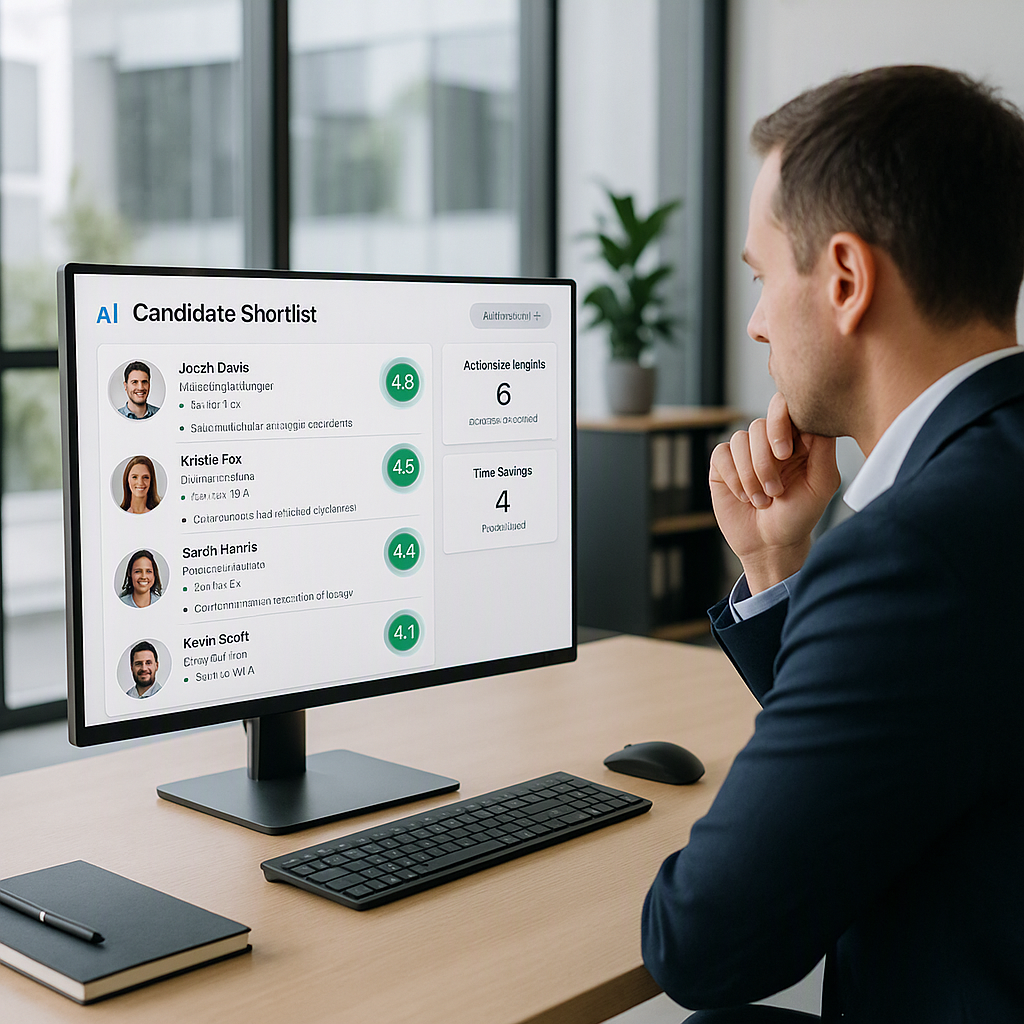
This is where AI tools like TalentNext shine. Instead of skimming through each application, you upload resumes in bulk. The platform instantly analyzes and scores them against your job description. Top matches rise to the top, while low-quality ones are flagged.
Actionable Steps:
- Define Your Screening Criteria: List out the must-have qualifications and skills for the role. For example, if hiring a software engineer, you might prioritize Python proficiency, experience with cloud technologies, and a bachelor’s degree in computer science.
- Upload Resumes in Bulk: Use TalentNext or similar tools to import resumes. Ensure your job description is detailed enough for the AI to make accurate assessments.
- Review the Ranked Shortlist: Focus on the top candidates flagged by the AI. Spend minutes reviewing these profiles instead of hours on irrelevant ones.
- Manually Verify Top Picks: While AI is reliable, double-check the top 5–10 candidates for nuances not captured by automation, such as cultural fit or unique experiences.
The result? You drastically reduce the time spent screening resumes while maintaining quality. Plus, automated tools ensure consistency—no more “gut feeling” decisions.
Step 3: Standardize Interview Questions and Scoring
Unstructured interviews are another time sink. You’ve probably been in situations where different interviewers ask wildly different questions. It’s not just inefficient; it creates bias and makes comparison nearly impossible.
Your hiring workflow template should include:
- Predefined Interview Questions: Tailor these to the role but keep them consistent across candidates. For example, every software engineer interview could include:
- A coding challenge
- A system design discussion
- A cultural-fit question
- Scoring Rubric: Rate candidates on a 1–5 scale for each competency. Define what each score means (e.g., 1 = poor understanding, 5 = exceptional mastery) to ensure objectivity.
Actionable Steps:
- Build Role-Specific Question Banks: Create templates for common roles in your organization, such as marketing managers, developers, or customer service reps.
- Use Tech for Scoring: Platforms like TalentNext allow teams to track scores digitally, eliminating the need for messy spreadsheets.
- Train Interviewers: Conduct training sessions to help interviewers understand the scoring rubric and avoid bias.
A standardized process ensures that candidates are evaluated using the same criteria, making it easier to compare their suitability objectively.
Step 4: Streamline Feedback Loops
Post-interview feedback is often where things fall apart. People get busy, forget to submit their evaluations, or provide vague comments like “seemed okay.” This delays decisions and frustrates everyone involved.
Actionable Steps:
- Set Deadlines: Require feedback submissions within 24 hours of each interview.
- Centralize Feedback: Use platforms like TalentNext to consolidate feedback. Everyone involved in the hiring process should submit their evaluations in one place.
- Encourage Specificity: Provide a template for feedback, prompting interviewers to rate candidates on specific competencies and provide examples.
For example, instead of saying “great communicator,” your feedback template could ask, “Rate the candidate’s ability to articulate technical concepts on a scale of 1–5. Provide examples from the interview.”
By streamlining feedback loops, you reduce bottlenecks and make faster, more informed decisions.
Step 5: Measure and Optimize Your Workflow
Even the best workflows need tweaking. That’s why it’s essential to track metrics like:
- Time-to-Hire: How long does it take to fill a role? Compare your current timeline to industry benchmarks of 30–45 days for most positions.
- Candidate Drop-Off Rates: At which stage do candidates abandon the process? Is your application process too cumbersome?
- Quality of Hire: Are your new hires meeting performance expectations? Regularly review post-hire success metrics.
Actionable Steps:
- Use TalentNext’s analytics dashboard to monitor bottlenecks and identify stages that take too long.
- Conduct quarterly reviews of your hiring process and make updates based on data. For example, if your drop-off rate spikes during the interview stage, improve communication or clarify expectations.
Common Mistakes to Avoid
- Skipping the Job Description Alignment Step: If the hiring manager isn’t crystal-clear on what they need, the entire process will unravel.
- Overloading Candidates with Too Many Stages: Keep it lean. Three rounds are usually enough.
- Relying Solely on AI: While tools like TalentNext are game-changers, human judgment is still crucial—especially for cultural fit.
- Ignoring Feedback from Rejected Candidates: Their insights can help you improve.
FAQ
Q: Can small teams benefit from a hiring workflow template?
Absolutely. In fact, small teams often feel the pain of disorganized hiring more acutely. A simple template ensures consistency and saves time.
Q: Is AI screening reliable?
Yes, for the most part. Tools like TalentNext are designed to analyze resumes objectively, reducing bias and errors. That said, always review top candidates yourself.
Q: How often should we update our workflow?
At least annually, or whenever you notice bottlenecks. Hiring trends and technologies evolve, and your process should too.
Q: What industries benefit most from AI screening?
Any industry drowning in resumes—tech, healthcare, finance, etc. If volume is your issue, AI is the solution.
Q: Is TalentNext easy to integrate?
Yes, it’s designed to work with your existing tools. Bulk resume upload and instant job posting make it quick to adopt.
Decision Framework: Should You Use a Hiring Workflow Template?
| Criteria | Yes | No |
|---|---|---|
| High volume of applications | ✅ Saves time by automating screening | ❌ Manual processing may work for fewer applications |
| Struggling with bias | ✅ AI tools provide objective assessments | ❌ Bias may persist without structured workflows |
| Need for consistency | ✅ Templates ensure repeatable, efficient processes | ❌ Lack of structure leads to inconsistent results |
| Budget constraints | ✅ Free or affordable tools like TalentNext available | ❌ Custom solutions may be more cost-prohibitive |
Final Thoughts
A hiring workflow template isn’t just a nice-to-have; it’s a necessity. Without one, you’re setting yourself up for inefficiency, inconsistency, and missed opportunities. Pair it with AI-powered tools like TalentNext, and you’ll not only save time but also improve the quality of your hires.
If you’re ready to speed up your recruitment process and focus on what really matters—engaging top talent—TalentNext can help. Get started for free →