How to Streamline Your Hiring Process with a Simple Flow Chart
If you’ve ever felt like your hiring process is a tangled mess, you’re not alone. For years, I thought I had a solid system. I’d write out steps, assign tasks to my team, and hope for the best. But here’s the catch: every time we posted a new job, the process felt like reinventing the wheel. We’d end up lost in piles of resumes, inconsistent evaluations, and endless back-and-forth emails. It was chaos masquerading as structure.
Then, one day, I stumbled across a job posting that outlined a hiring process so clear and concise, it was almost embarrassing. A simple flow chart sat at the heart of it all. That’s when it hit me—I didn’t need more steps or more tools. I needed clarity.
Here’s how I went from clunky hiring workflows to a streamlined process with a single diagram. And yes, I’ll show you how tools like TalentNext make this even easier.
Step 1: Map Out Your Current Process
Before you can fix your hiring process, you need to understand where it’s broken. That means taking a good, hard look at how you’re currently doing things. Get your team in a room (or on a call) and list every single step you go through to hire someone. Be brutally honest. Do you:
- Write a job description from scratch every single time?
- Manually post job openings to multiple platforms?
- Sift through hundreds of resumes one by one without a clear set of criteria?
- Use inconsistent interview questions or evaluation methods?
Write it all down, from the moment someone says, "We need to hire," to the second the offer letter is sent. Each step should be clear enough that even someone outside your team could understand it.
Actionable Steps:
- Create a shared document: Use tools like Google Docs, Notion, or Trello to brainstorm and track your existing process. Make sure everyone on your team can contribute.
- Categorize your steps: Group them into broader categories like "Job Posting," "Resume Screening," "Interviewing," and "Offer Process."
- Identify gaps or overlaps: Is there duplication (e.g., multiple people reviewing the same resumes)? Are there steps that no one owns? Highlight these areas.
Don’t worry about how messy it looks right now—that’s the point. You can’t clean up what you don’t fully understand.
Step 2: Identify the Bottlenecks
Every hiring process has bottlenecks—steps where things slow down or break down. If you’re like most teams, this is probably happening during the resume screening stage. According to Glassdoor, recruiters spend an average of 23 hours screening resumes for a single hire. That’s nearly three full workdays for one position. And it’s not just about the time; inconsistent evaluations are another huge issue. One recruiter might see potential in a resume that another recruiter dismisses entirely.
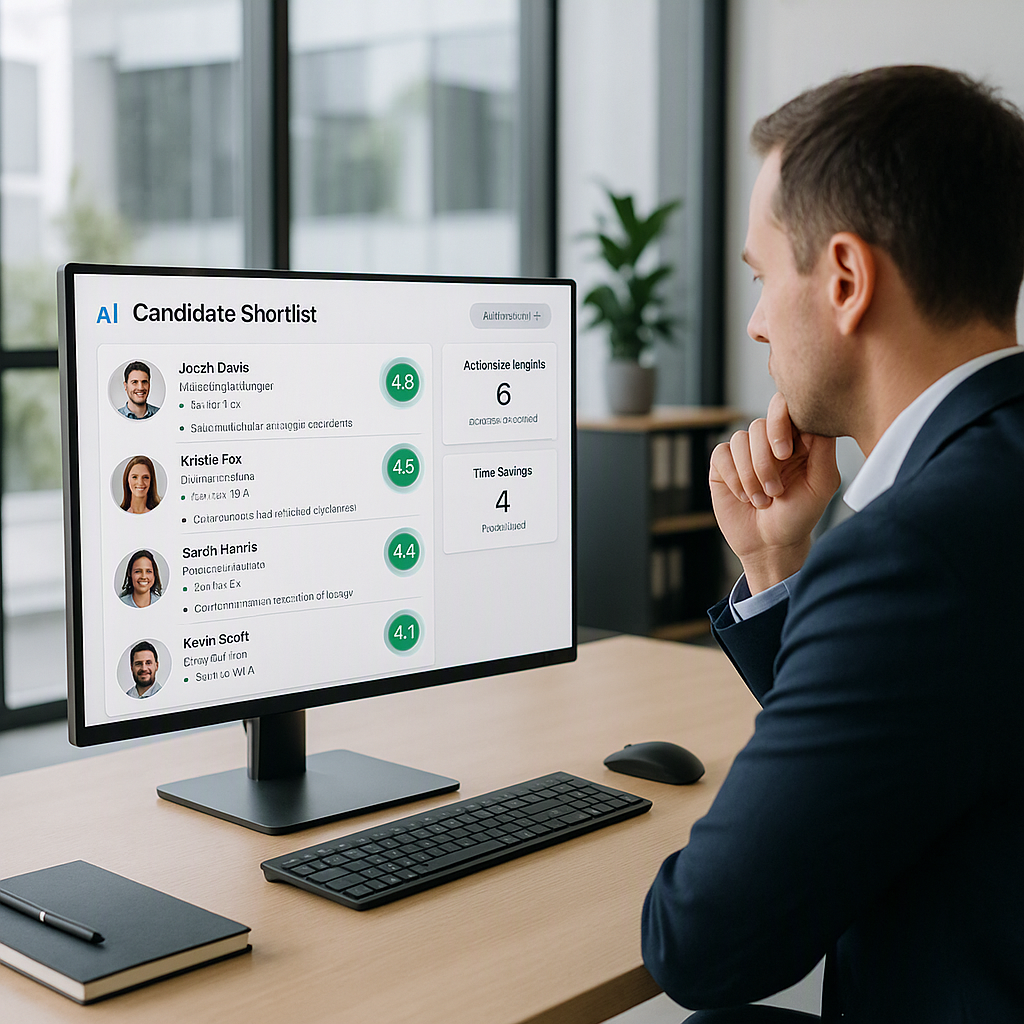
This is where tools like TalentNext can make a huge difference. Their AI-powered resume screening feature can analyze hundreds of resumes in minutes, scoring candidates based on how well they match your job description. Instead of manually poring over resumes, you can upload a stack of applications and quickly receive a shortlist of high-potential candidates, complete with scorecards that explain why they’re a fit.
Actionable Steps:
- Track your time: Use tools like Toggl or Clockify to track how much time your team is spending on each hiring step. This will help you identify the biggest time sinks.
- Define your pain points: Ask your team what they find most frustrating about the current process. Is it managing schedules? Evaluating candidates? Communicating with hiring managers?
- Prioritize solutions: Once you’ve identified the bottlenecks, list potential solutions. For example, if resume screening takes too long, explore AI-powered tools like TalentNext to streamline the process.
Step 3: Build Your Flow Chart
Once you’ve mapped out your current process and identified the bottlenecks, it’s time to create your flow chart. This will serve as your team’s guide for every hiring cycle, ensuring consistency and clarity.
You can use tools like Lucidchart, Miro, or even a basic PowerPoint slide to design your flow chart. Here’s a basic framework to get you started:
Sample Hiring Flow Chart:
1. Job Requisition:
- Identify the need for a new hire.
- Define the role and responsibilities.
- Approve the budget.
2. Job Posting:
- Write or update the job description (use TalentNext for instant job description creation).
- Post the job to multiple boards (LinkedIn, Indeed, Glassdoor, etc.).
3. Resume Screening:
- Use TalentNext or similar tools to upload resumes in bulk.
- Generate candidate scorecards based on job description matching.
- Review top-scoring candidates.
4. Interview Process:
- Schedule interviews using tools like Calendly or TalentNext.
- Conduct first-round interviews using standardized questions.
- Shortlist candidates for second-round interviews or practical assessments.
5. Final Decision:
- Gather feedback from all interviewers.
- Select the top candidate.
- Send the offer letter and confirm acceptance.
Actionable Steps:
- Simplify where possible: If a step has too many arrows pointing to it or requires multiple approvals, consider simplifying it.
- Include tools: Add specific tools or software to each step, like ATS systems, video conferencing tools, or scheduling apps.
- Test it visually: Share your flow chart with the team and ask for feedback. Does everyone understand it? Are any steps missing?
Step 4: Automate What You Can
The truth is, your hiring process can only be as efficient as the tools you use. If you’re still manually updating spreadsheets, chasing down hiring managers for feedback, or emailing candidates one by one, you’re working harder—not smarter.
For example, instead of wasting hours manually screening resumes, you can use TalentNext to automatically evaluate applications. Their AI looks beyond keywords to assess candidates on multiple criteria, such as relevant experience, employment gaps, and certifications. This results in a clear, actionable scorecard for each applicant.
Automation doesn’t stop at resume screening. Tools like TalentNext also let you:
- Instantly post jobs to multiple platforms.
- Track candidate progress through the hiring funnel.
- Analyze drop-off points to refine your process further.
Actionable Steps:
- Audit your tools: List all the tools you currently use for hiring. Are there redundancies? Gaps? Upgrades needed?
- Focus on time-saving automation: Prioritize tools that eliminate repetitive tasks, such as resume screening, interview scheduling, and candidate tracking.
- Integrate where possible: Look for tools that integrate with your existing systems, like your calendar, email, or HR software.
Step 5: Test, Adjust, Repeat
No process is perfect right out of the gate. Once your flow chart is ready, put it to the test during a real hiring cycle. Pay attention to where things go smoothly and where they fall apart.
For example, in my first attempt, I realized that our interview scheduling step was a disaster. Emails were flying back and forth, and we kept double-booking time slots. Switching to a scheduling tool like Calendly fixed the issue overnight.
Actionable Steps:
- Collect feedback: After each hiring cycle, ask your team what worked and what didn’t. Make it a habit to refine your process.
- Document changes: Keep a record of what you’ve adjusted and why. This helps new team members get up to speed quickly.
- Measure success: Use metrics like time-to-hire, cost-per-hire, and candidate quality to gauge the effectiveness of your new process.
Comparison Table: Manual Hiring vs. Automated Hiring
| Feature | Manual Hiring | Automated Hiring (e.g., with TalentNext) |
|---|---|---|
| Resume Screening | Time-intensive, inconsistent evaluations | AI-powered, consistent, and fast |
| Job Posting | Manual, time-consuming | One-click posting to multiple platforms |
| Interview Scheduling | Back-and-forth emails, prone to errors | Automated scheduling tools |
| Candidate Tracking | Spreadsheets, lack of real-time updates | Centralized dashboard |
| Data Insights | Minimal, time-consuming to compile | Real-time analytics and reporting |
Final Thoughts
For years, I thought the problem with hiring was the candidates. If we could just get better applicants, everything would fall into place. I was wrong. The problem was us—our process was broken.
Now, I’m obsessed with clarity. Every time we start a new hire, we pull up our flow chart and ask: “Does this still make sense?” It’s not glamorous, but it works.
The cost of a broken hiring process isn’t just inefficiency—it’s time, energy, and team morale. When you’re spending days on tasks that could take minutes, you’re draining everyone involved.
If you’re tired of the chaos, start with a flow chart. And if you want to take it a step further, consider using tools like TalentNext. Their AI-powered resume screening can save you up to 75% of your screening time, freeing you to focus on the human side of hiring. Get started today →