I Used to Think Hiring Flowcharts Were a Waste of Time
Let's start with an admission. A few years ago, if you'd asked me about creating a hiring process flowchart, I'd have rolled my eyes. "Do we really need to diagram common sense?" I'd say. I thought it was just HR busywork — a way to make simple tasks look complicated. Interview candidates, make a decision, hire them. How hard could that be?
Turns out, I was wrong. Painfully wrong.
What Changed My Mind
It was mid-2021. I was running a recruitment drive for a fast-growing startup. We had six open roles, over 300 applicants, and a three-week deadline to make offers. What we didn’t have was a clear hiring process.
The result? Missed interviews. Confused hiring managers. Candidates dropping out because we took too long to respond. Worst of all, we ended up hiring someone for a key role who didn’t have the right skills. That mistake cost the company months of lost productivity.
I realized we didn’t have a hiring problem. We had a process problem.
Why I Thought My Old Belief Made Sense
To be fair to my younger self, the skepticism wasn’t entirely misplaced. Flowcharts often do feel like overkill. If you’re hiring for one or two roles a year, you can probably get by without one. But scale that up — multiple roles, dozens (or hundreds) of candidates, multiple stakeholders — and the cracks start to show.
The old belief also came from a place of confidence. I'd screened thousands of resumes and conducted hundreds of interviews. I thought experience was enough to make good decisions on the fly. But what I failed to appreciate was how much complexity ramps up when you're managing multiple moving parts at once. You can’t always rely on instinct when 15 people need to coordinate to fill 6 roles quickly.
In hindsight, I also underestimated how much a lack of structure creates stress for everyone involved. When there’s no clear plan, the burden falls on people to improvise and fill in gaps — and that’s a recipe for mistakes.
What I Do Differently Now
Today, I don’t start any hiring initiative without a clear flowchart. But it’s not the kind of process map you’d see in a corporate HR manual. It’s practical, adaptable, and easy to follow. Here’s how I approach it:
1. Start With the Job Description
The first node on the flowchart is always the job description (JD). Everything flows from there. A clear, specific JD is the foundation for every decision you'll make, from sourcing candidates to evaluating them. I’ve learned that vague JDs create chaos down the line.
Actionable Steps:
- Use action verbs and clear language to describe responsibilities. For example, instead of saying "manage projects," say "lead cross-functional teams to deliver software projects on time and on budget."
- Include measurable outcomes. Instead of listing “good communication skills,” specify “ability to present project updates to stakeholders weekly.”
- Collaborate with the hiring manager and team leads to ensure the JD reflects the role’s actual needs rather than a generic template.
Why It Matters: If your JD isn’t specific, you’ll attract unqualified candidates or people who don’t know what to expect. Worse, you might miss out on top candidates who were confused by vague language.
2. Define Screening Criteria
Next, map out what you're looking for at each stage. This includes:
- Must-haves: Non-negotiable skills or qualifications.
- Nice-to-haves: Bonus skills that add value but aren't essential.
- Deal-breakers: Red flags that disqualify a candidate.
Actionable Steps:
- Create a checklist of must-have qualifications. For example, if you’re hiring a software engineer, a must-have might be "5+ years of experience with Python."
- Discuss deal-breakers with the hiring team upfront. These could include things like lack of communication skills, history of job-hopping, or a mismatch with your company’s values.
- Use tools like Google Sheets or Airtable to create a standardized scoring system for candidates. This ensures consistency across hiring managers.
Why It Matters: Without a clear definition of what you’re looking for, you risk wasting time on candidates who were never a fit to begin with. It also helps prevent unconscious bias.
3. Automate What You Can
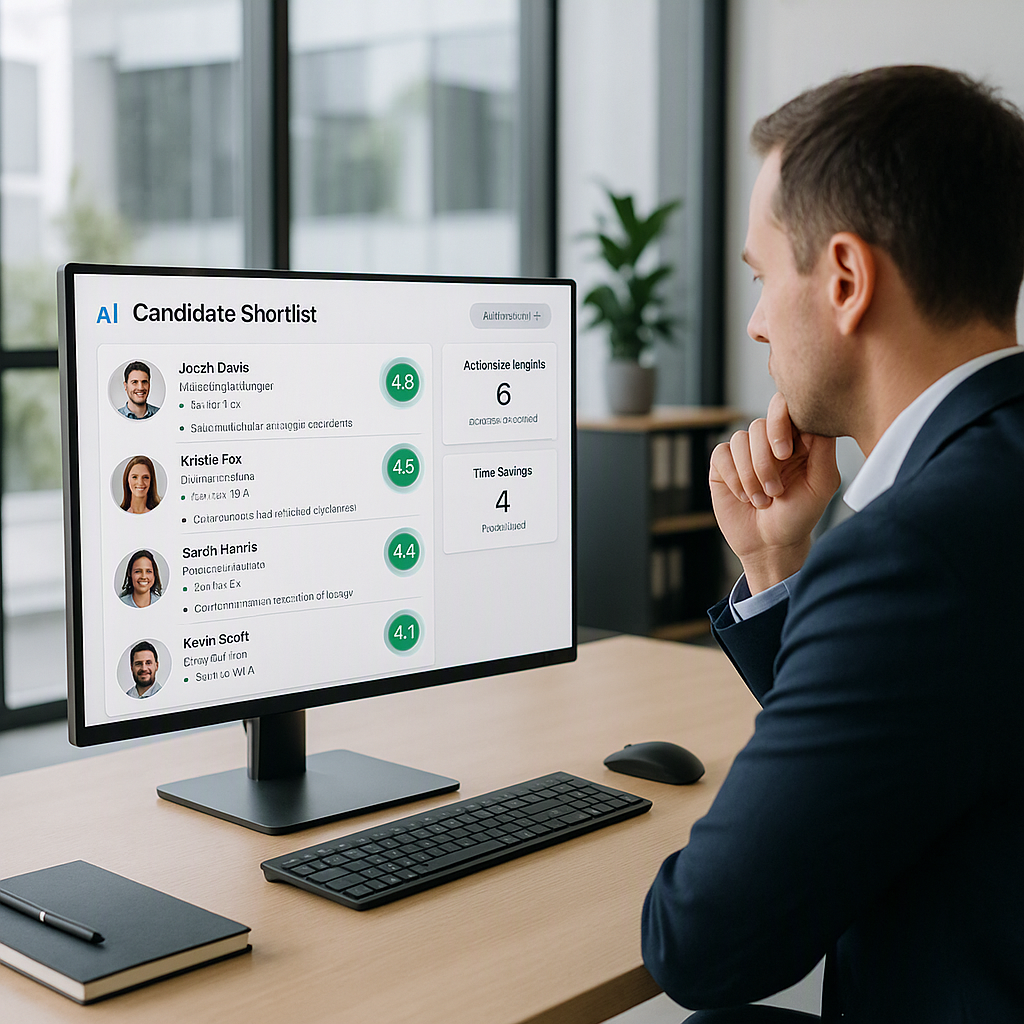
This is where tools like TalentNext come in. Instead of manually sifting through resumes, I now use AI to screen and rank candidates. It saves hours of work and ensures no promising applicant slips through the cracks.
Actionable Steps:
- Use AI tools to parse resumes and rank candidates. TalentNext, for example, provides scorecards that compare each resume to your JD.
- Automate repetitive tasks like sending follow-up emails or scheduling interviews.
Why It Matters: Automation reduces the chances of human error and frees up your team to focus on high-value activities like interviewing and decision-making.
4. Plan the Interview Process
Here’s where most flowcharts fail: they stop at "schedule interviews." But interviews are where the real evaluation happens, so your flowchart needs to dig deeper.
Actionable Steps:
- Map out the entire interview process. For instance:
- Round 1: Initial phone screen with HR (assess cultural fit, confirm basic qualifications).
- Round 2: Technical interview with the hiring manager.
- Round 3: Team interview (assess collaboration skills).
- Define evaluation criteria for each round. For example, HR might focus on interpersonal skills, while the hiring manager assesses technical expertise.
- Ensure interviewers don’t duplicate questions across rounds. Share notes from earlier rounds to avoid redundancy.
Why It Matters: A well-planned interview process ensures you’re assessing candidates holistically and efficiently. It also creates a better experience for candidates.
5. Create Feedback Loops
After every interview, have a clear process for collecting and consolidating feedback. I use a simple template with three sections: strengths, concerns, and open questions. This ensures we’re making decisions based on evidence, not gut feelings.
Actionable Steps:
- Use shared tools like Google Forms or a recruitment platform to collect structured feedback.
- Have a debrief meeting with interviewers to discuss strong and weak points for each candidate.
- Document all feedback in one central location for transparency.
Why It Matters: Feedback loops help reduce bias and ensure decisions are evidence-based. They also help teams stay aligned.
6. Communicate With Candidates
This step is often overlooked, but it’s critical. Your flowchart should include specific points where candidates receive updates. Silence kills interest, especially in a competitive job market.
Actionable Steps:
- Set up automated email updates for key milestones (e.g., application received, interview scheduled, decision made).
- Personalize communications when possible. For example, if a candidate isn’t moving forward, briefly explain why.
Why It Matters: Proactive communication keeps candidates engaged, reduces drop-offs, and improves your employer brand.
Common Mistakes to Avoid
- Overcomplicating the Flowchart: Keep it simple. If your team needs a PhD to understand it, they won’t follow it.
- Skipping Feedback Collection: If you don’t capture structured feedback, you’re setting yourself up for inconsistent decisions.
- Ignoring Candidate Experience: A flowchart is as much about the candidate's journey as it is about internal workflows.
Decision Framework: When to Use a Hiring Flowchart
| Criteria | Use a Flowchart | Skip a Flowchart |
|---|---|---|
| Number of open roles | More than 3 | One or two |
| Number of stakeholders | Multiple teams/managers | Just you |
| Volume of applications | 50+ per role | Fewer than 10 |
| Urgency of hiring | Strict deadlines | No immediate rush |
| Experience with hiring | Limited or inconsistent | Extensive and experienced |
If you’re struggling to streamline your hiring process, tools like TalentNext can help. With AI-powered resume screening and actionable insights, you can cut screening time by up to 75%. Get started for free →